This article will discuss some Canva alternative apps or sites that can be used in graphic design.
10 Canva Alternatives to Create Stunning Graphic Design
15 April 2025
Fania Dwi
6 min read
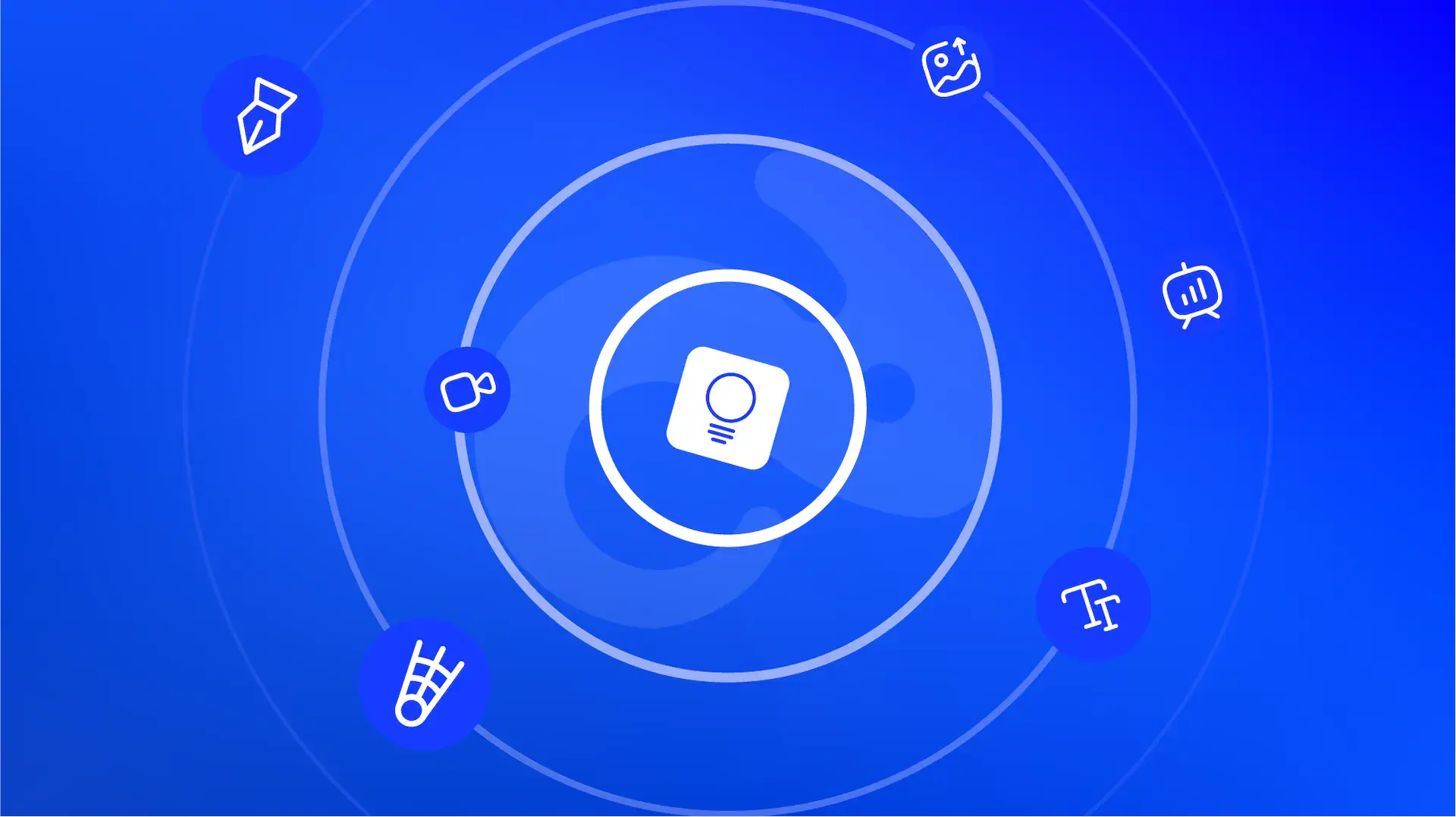
Canva is one of the most popular graphic design platforms. It offers a wide range of templates, graphic elements, and editing features to create stunning designs for social media marketing and other needs. However, you can also create amazing graphic designs using other platforms.
There are various websites and apps that serve as Canva alternatives, which also providing equally impressive design results with their unique features. Here are some recommended graphic design platforms you can try!
Recommended Canva Alternatives
Canva has become one of the most widely used design platforms due to its various features that simplify the design process. However, aside from Canva, many other apps and websites also offer a range of tools to help you create high-quality designs. Check out the list of Canva alternatives you can use below:




1. Adobe Express
The first recommended Canva alternative is Adobe Express. This app offers hundreds of templates with a more advanced editor compared to Canva.
Additionally, Adobe Express also integrates with various other Adobe applications, such as AI Firefly, Adobe Fonts, Adobe Stock, and Photoshop. With that being said, you can do more, including creating unique generative text effects, using professional brand fonts, and syncing edits from Photoshop to Adobe Express.
2. Easil
Easil features a clean and organized user interface, a variety of fresh and vibrant templates, and creative design elements such as stickers, QR codes, and illustrations. Additionally, Easil offers advanced collaboration tools, allowing teams to work together on a single Project.
When you sign up for an account, you automatically get a 30-day free trial, during which you can access premium features, including content-locking, drag-and-drop layers, and GIF animation tools.
3. Snappa
Canva is a free graphic design platform, but some of its features require a premium subscription. This limitation can be quite frustrating, especially if you have a limited budget.
As an alternative, you can use Snappa, which offers all its features for free. This allows you to easily access various templates and graphic elements without restrictions. Although Snappa has fewer templates than Canva, it provides customizable default templates, making it a great option for those who enjoy experimenting with design.
4. RelayThat
RelayThat is another free Canva alternative you can consider if you want to create a stunning design. It offers over 2,000 Smart Layouts and 350,000 free photos for various social media platforms, including AdSense. This makes it easy to edit complex images for social media uploads.
5. Visme
Visme is a widely used graphic design tool that rivals Canva with its impressive features, such as an intuitive drag-and-drop editor. Designed specifically for businesses, it provides a variety of innovative tools to create stunning designs. With over 10 AI-powered tools and advanced interactive graphics, you can keep your audience engaged with your designs.
6. PicMonkey
PicMonkey is a great alternative to Canva, as it offers a variety of editing tools to enhance your designs. One of its standout features is photo touch-up, which allows you to make Photoshop-like edits with ease, but in a more user-friendly way.
Additionally, the patterns and effects feature is highly useful. With this feature, you can apply patterns not only to backgrounds but also to shapes within your design. Plus, with just one click, you can change your design theme, making the editing process faster and more efficient.
7. Stencil
Stencil is a popular cloud-based graphic design website you can try if you want to use something new other than Canva. It allows you to create designs using free stock photos and illustrations, offering access to over 1,500,000 background images. One of its standout features is the Chrome extension, which makes designing even more convenient and accessible directly from your browser.
8. Pixlr
The next recommended graphic design website is Pixlr, which has several separate applications, namely Pixlr Editor (photo editor), Pixlr Express (AI-based photo editor), Pixlr Designer (template-based graphic design application), Remove bg (AI-based background remover), and Batch Editor (bulk photo editor).
Since it has multiple different applications, Pixlr separates various features into each of these apps, making them easier to use. Pixlr Designer is the most similar to Canva because you can choose design templates and customize them based on your needs. However, you can also open anything you design in Pixlr Editor or Pixlr Express.
9. Design Wizard
Design Wizard is another great tool for creating eye-catching social media designs. It features a clean and simple user interface, displaying only four main widgets: templates, branded assets, design elements, and fonts, making it easy to navigate.
However, the free version comes with some limitations. For instance, users cannot upload assets or download projects, and the selection of free assets is quite limited.
10. Gravit
The last alternative to Canva on this list is Gravit, a powerful graphic design app known for its versatile editing features. One of its standout capabilities is its SVG editor, which enables users to create high-quality vector designs with precision and flexibility.
Gravit also has a clean and intuitive interface, which makes it easy to navigate even for beginners. Whether you're working on logos, illustrations, marketing materials, or UI designs, this platform provides the tools you need to bring your ideas to life.
Comparison of Features and Pricing for Canva Alternatives
To help you choose the best graphic design platform for your needs, below is a comparison of the features and pricing of each Canva alternative mentioned earlier.
| No. | Application/Website | Features | Pricing |
| 1 | Adobe Express | Template & aset, AI generatif, foto & desain, animasi, manajemen merek, kolaborasi, dll. | - Free: IDR0 - Premium: IDR82,217/month - Teams: IDR74,070/month |
| 2 | Easil | Graphic & video templates, resize, brand kit, GIF animation, text mask, magic color, etc. | - Basic: IDR0 - Plus: IDR122,695/month - Edge: IDR965,226/month |
| 3 | Snappa | Add text to photo, background remover, image blur, image cropper, image flipper, image resizer, etc. | - Starter: IDR0. - Pro: IDR163,551/month - Team: IDR327,103/month |
| 4 | RelayThat | Assets, custom font upload, color & font presets, image SEO automation, headline generator, etc. | - Pro: IDR245.334/month. - Pro+: IDR408.891/month. |
| 5 | Visme | Assets, templates, animations, image generators, data widgets, etc. | - Basic: IDR0. - Starter: IDR200.391/month. - Pro: IDR404.872/month. |
| 6 | PicMonkey | Photo collages, animations, touch-ups, color changers, artistic effects, etc. | - Basic: IDR1.176.230/month. - Pro: IDRp1.960.960/month. - Business: IDR3.725.776/month. |
| 7 | Stencil | Assets, templates, browser extension, image scheduling, WordPress plugin, etc. | - Free: IDR0. - Pro: IDR147.084/month. - Unlimited: IDR196.112/month. |
| 8 | Pixlr | AI tools, effects, filters, image expansion, etc. | - Plus: IDR40.668/month. - Premium: IDR163.165/month. - Team: IDR277.482/month. |
| 9 | Design Wizard | Templates, text animations, custom color palettes, montage makers, etc. | - Basic: IDR0. - Pro: IDR163.308/month. |
| 10 | Gravit | Vector tools, auto layout, robust grids, templates, etc. | IDR1.144.505/year. |
That was all some of the best Canva alternatives you can use to create stunning designs. Each platform offers unique advantages, so you can choose the one that best fits your design preferences and needs.
However, if you’re looking for optimal results and need out-of-the-box creative ideas, having an expert touch can make all the difference. VISUWISU is here to help you bring your designs to life with personalized professional services tailored to your brand.
Our team can help create eye-catching Social Media Designs, stunning Presentation Designs, and consistent Branding & Visual Identity to strengthen your business substance. With extensive experience and creativity, our creative team ensures that every design captures the audience's attention, increases engagement, and enhances your business's professional image.
Wait! If you need all the services above, you can access them directly through the VISUWISU Design Subscription App. Log in now and enjoy multiple benefits—all in one platform! Or, you can also contact our team first for a free consultation before starting your design transformation!